
How do I create an educational 'match the items' game for visitors?
Would you like to include a touchscreen interactive at your museum or visitor site? Perhaps a ‘Match the items’ game with educational outcomes? Let us introduce you to ‘Match’…
The short answer to ‘How do I create an educational ‘match the items’ game for visitors’ is to use our Match app, part of our Games package for Lightbox 3.
Below we’ll take a quick look at how Match works, you can discover more about this windows software in the video, or the many other apps available in Lightbox 3 by hitting this link:

Use your own images
Incredibly flexible design options
No programming ability required
Multi-lingual frontend
Sum it up for me?
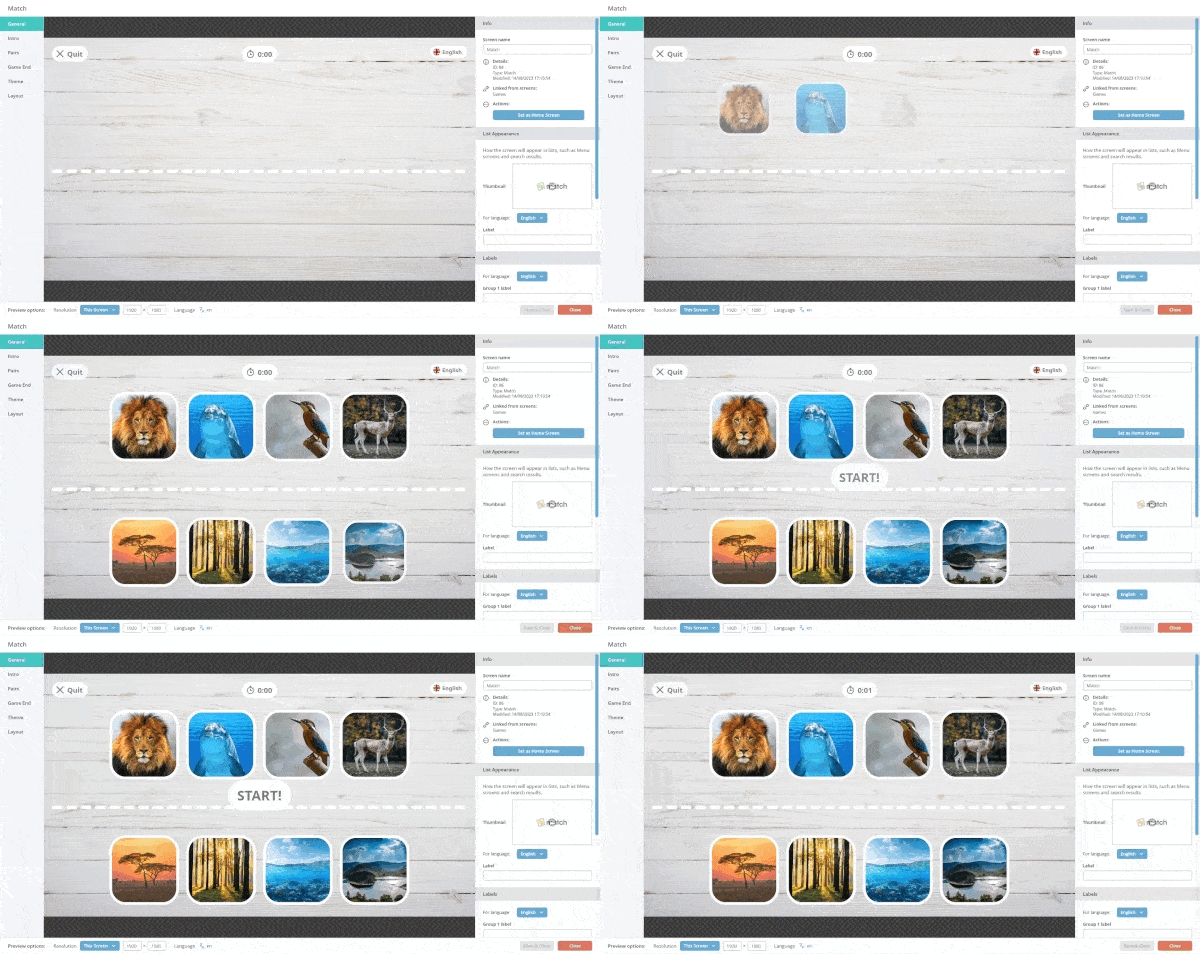
Match is bundled together alongside Memory and Puzzle in our Games package for Lightbox 3 – Match is designed specifically to let you turn any set of images into a touch screen ‘match the items’ interactive. It comes with a user friendly manager that allows you to build and customise the interactive from the ground up. Match asks visitors to connect a selection of images with their correct counterpart – if right further information can pop-up to provide additional context.
Essentially Match lets you create 1. an Attractor screen that displays when your touchscreen is not in use. 2. Menu screens that can link to multiple different games, and then finally the 3. the Match games themselves which can be completely customised to your needs.
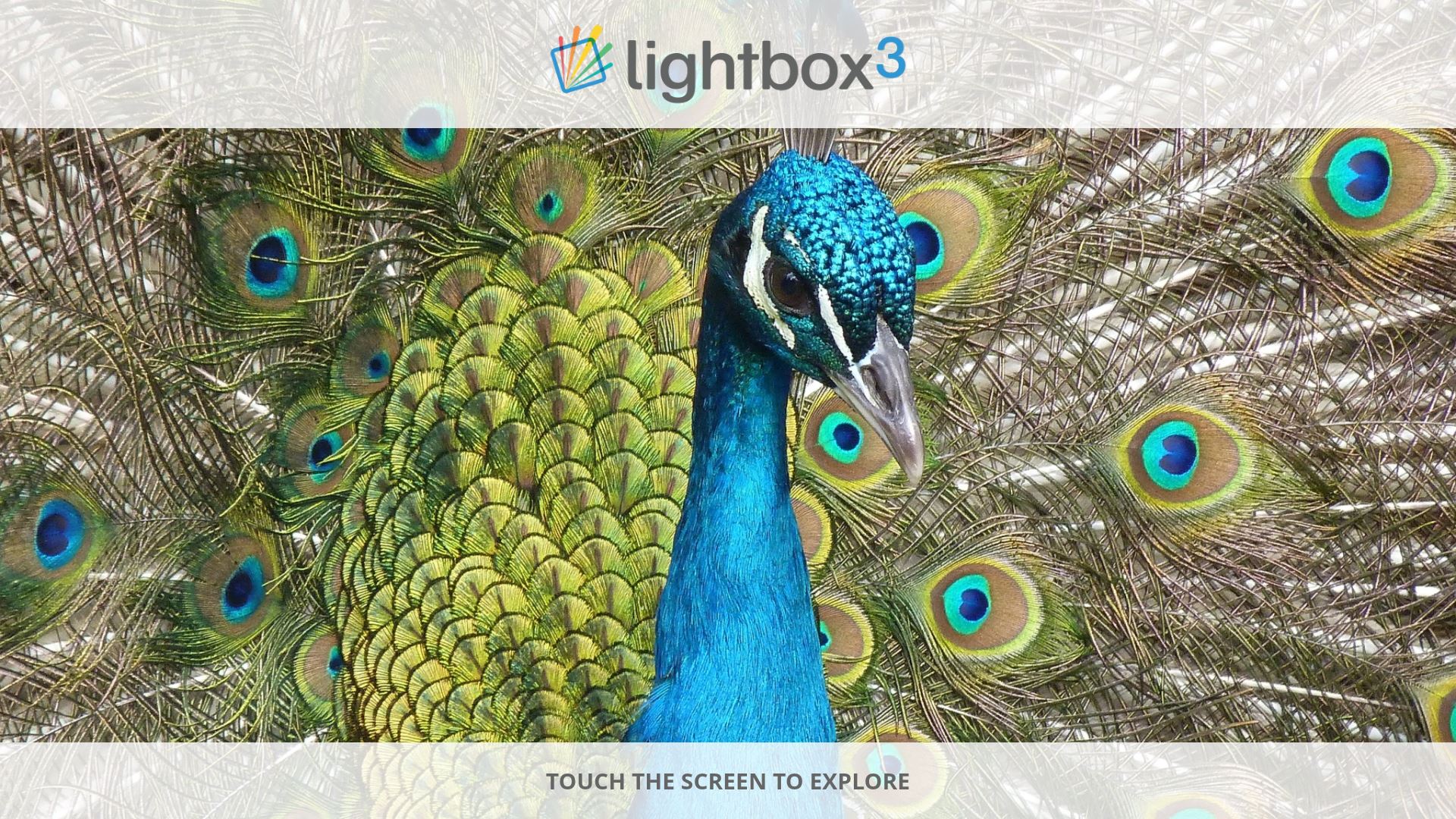
1. Attractor Screen
When Match is inactive, a screensaver will display a slideshow of your images on loop with a call to action inviting the visitor to interact.
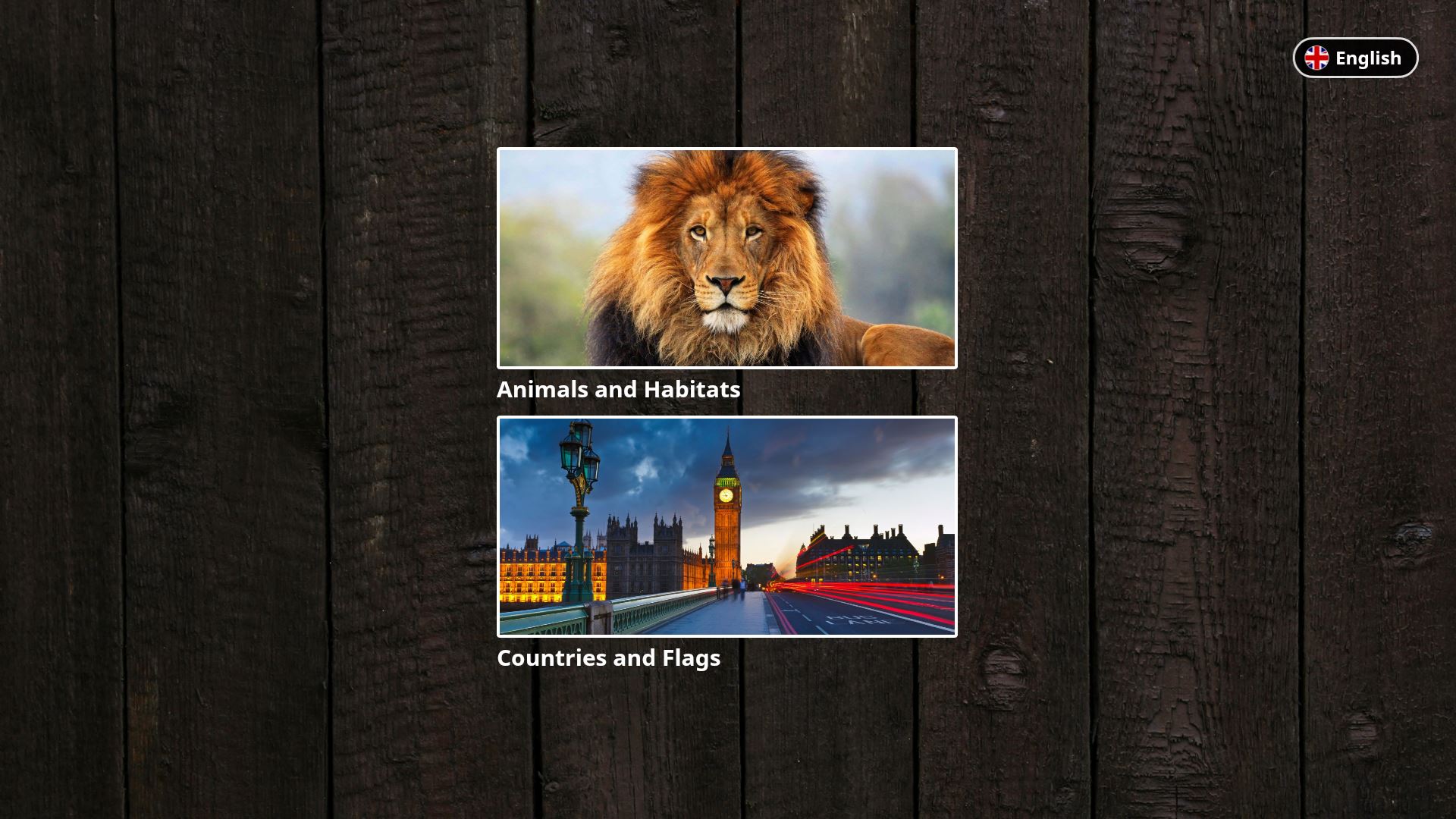
2. Menu Screen
The menu system lets users choose which game to interact with. This supports multiple layers of sub-menus.
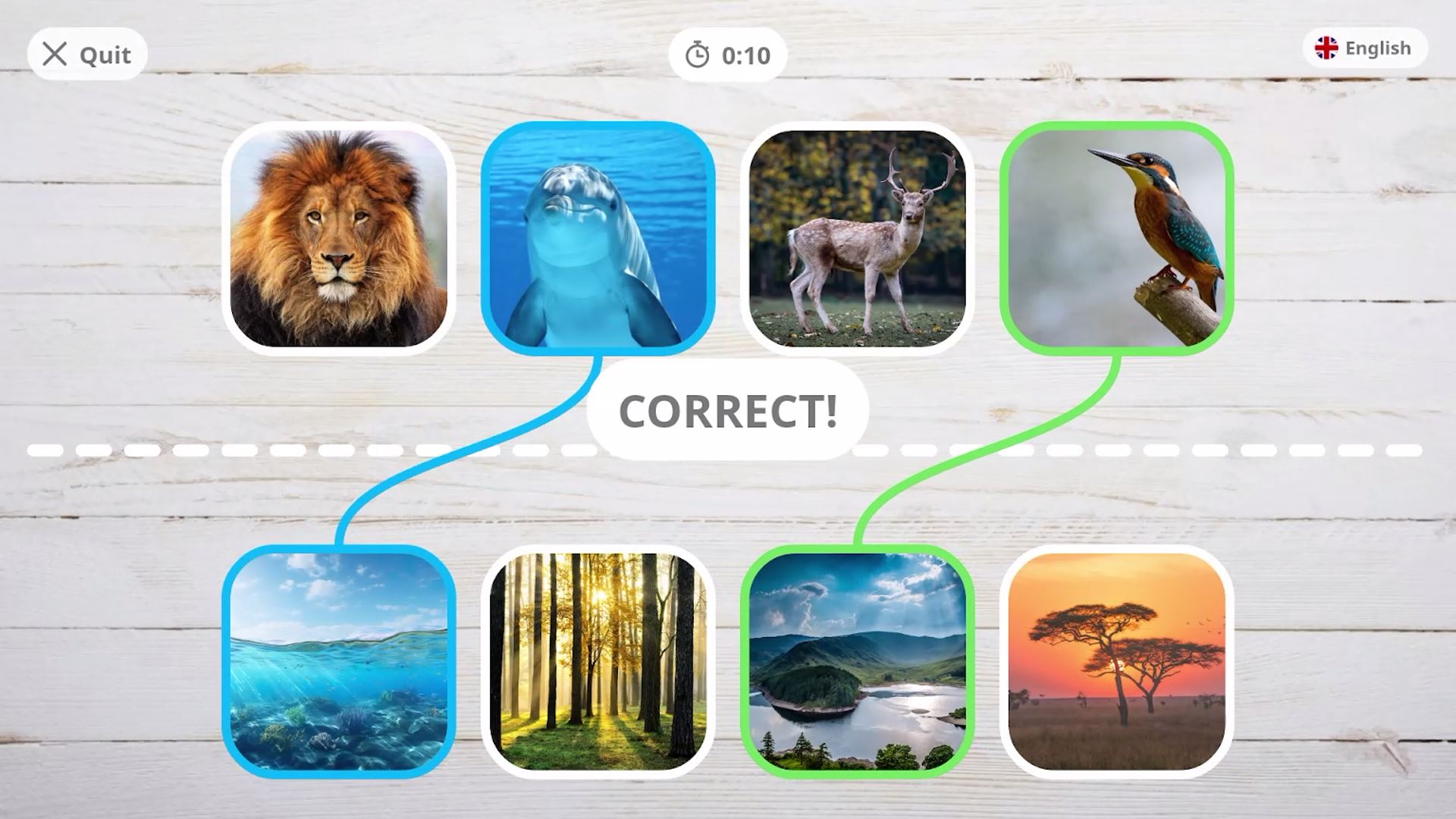
3. Match Screen
This is where the Match game is displayed for visitors to solve and enjoy.
Putting an interactive together is simple to do thanks to the easy to use Content Management System;
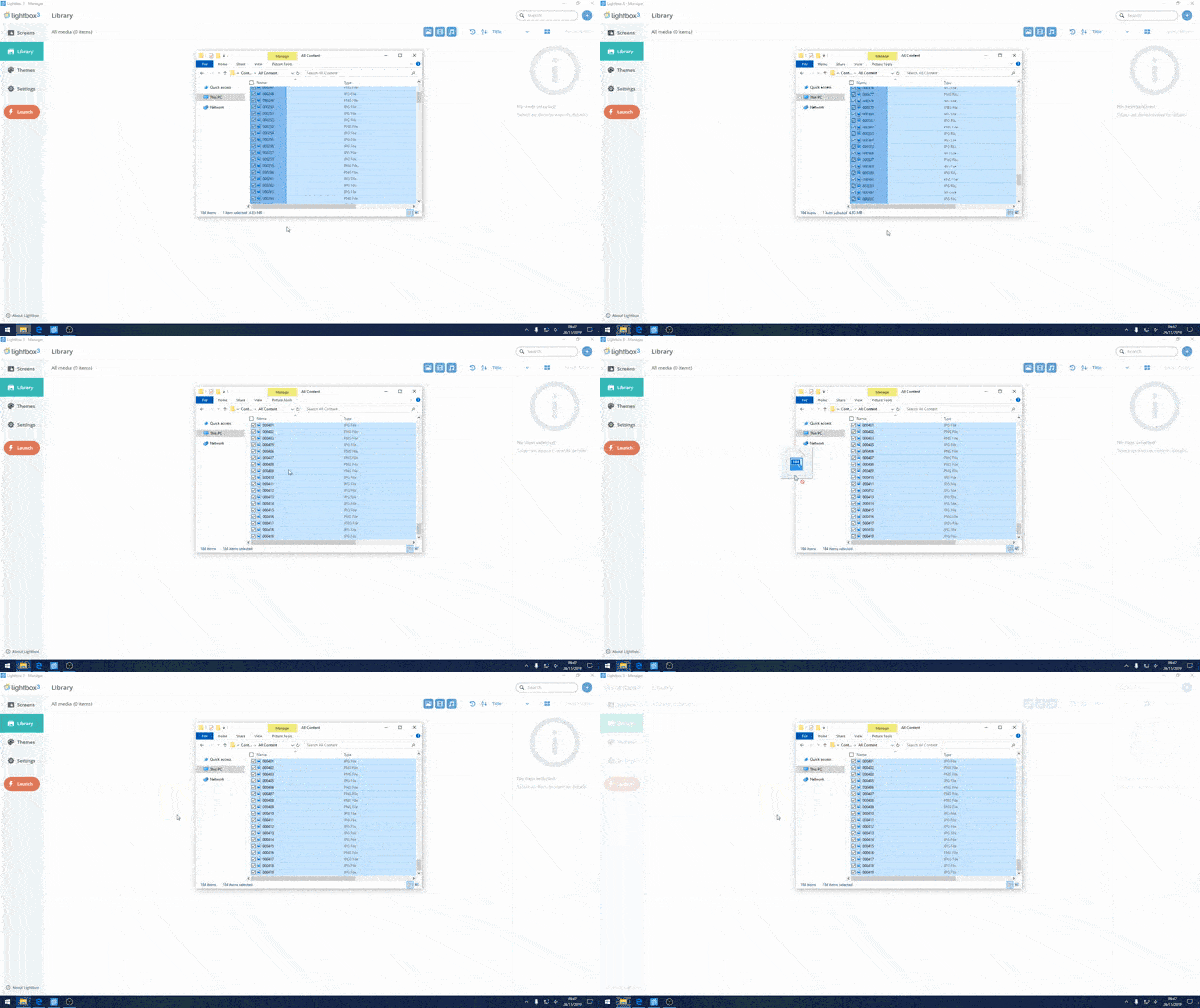
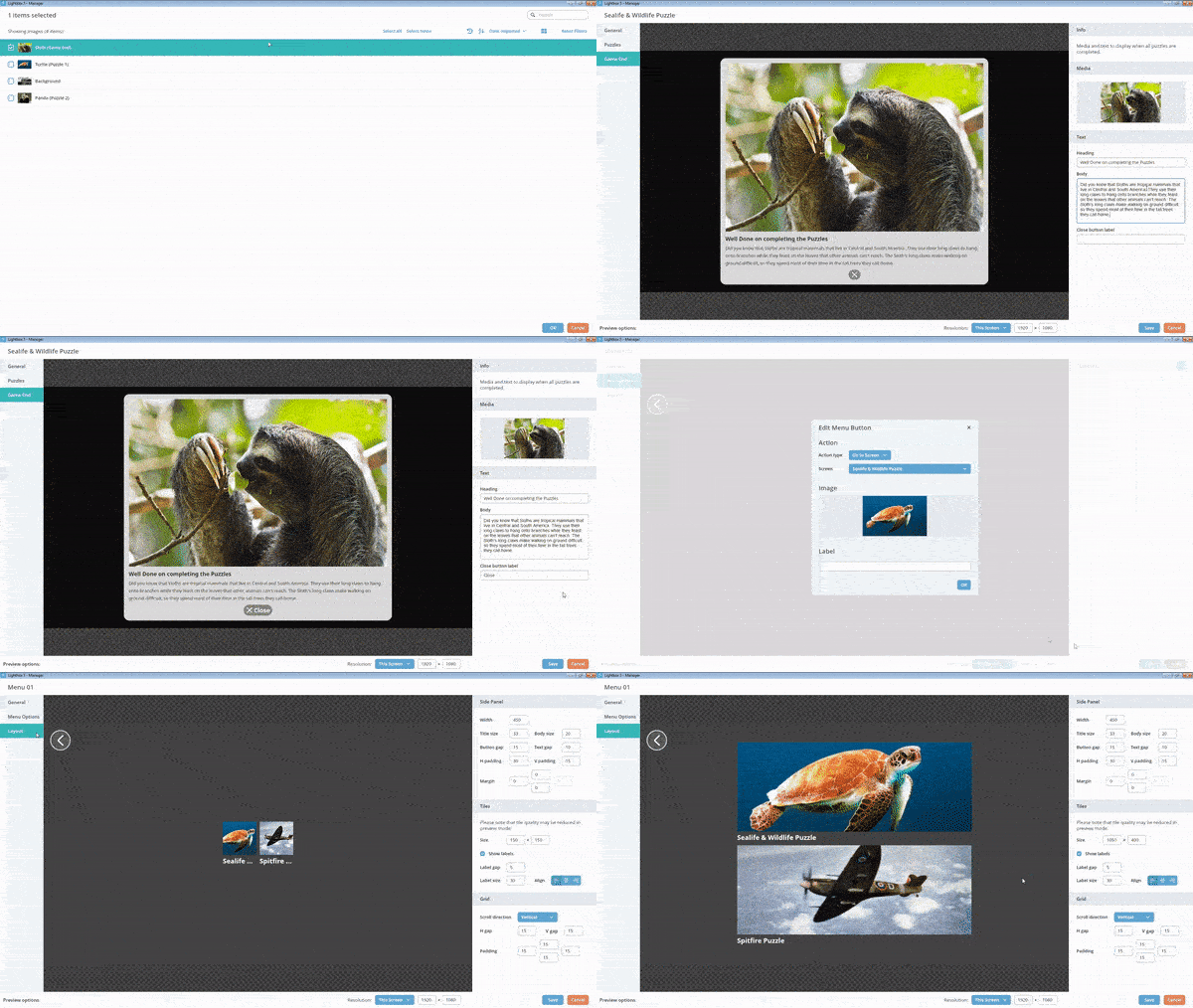
The Manager includes a very easy to use Library system; storing all of your media including audio, images, videos & PDF’s. Order your content in a particular way and even add titles & descriptions, so when the media item is used in building apps, the text will be ready to go!
Create your match game
Match allows you to turn any collection of images into a ‘Match the Item’ game. Set a selection of images that are linked in some way and challenge visitors to figure out why!
Create a menu
You are able to create menu screens that allow access to multiple different games.
Customise your theme
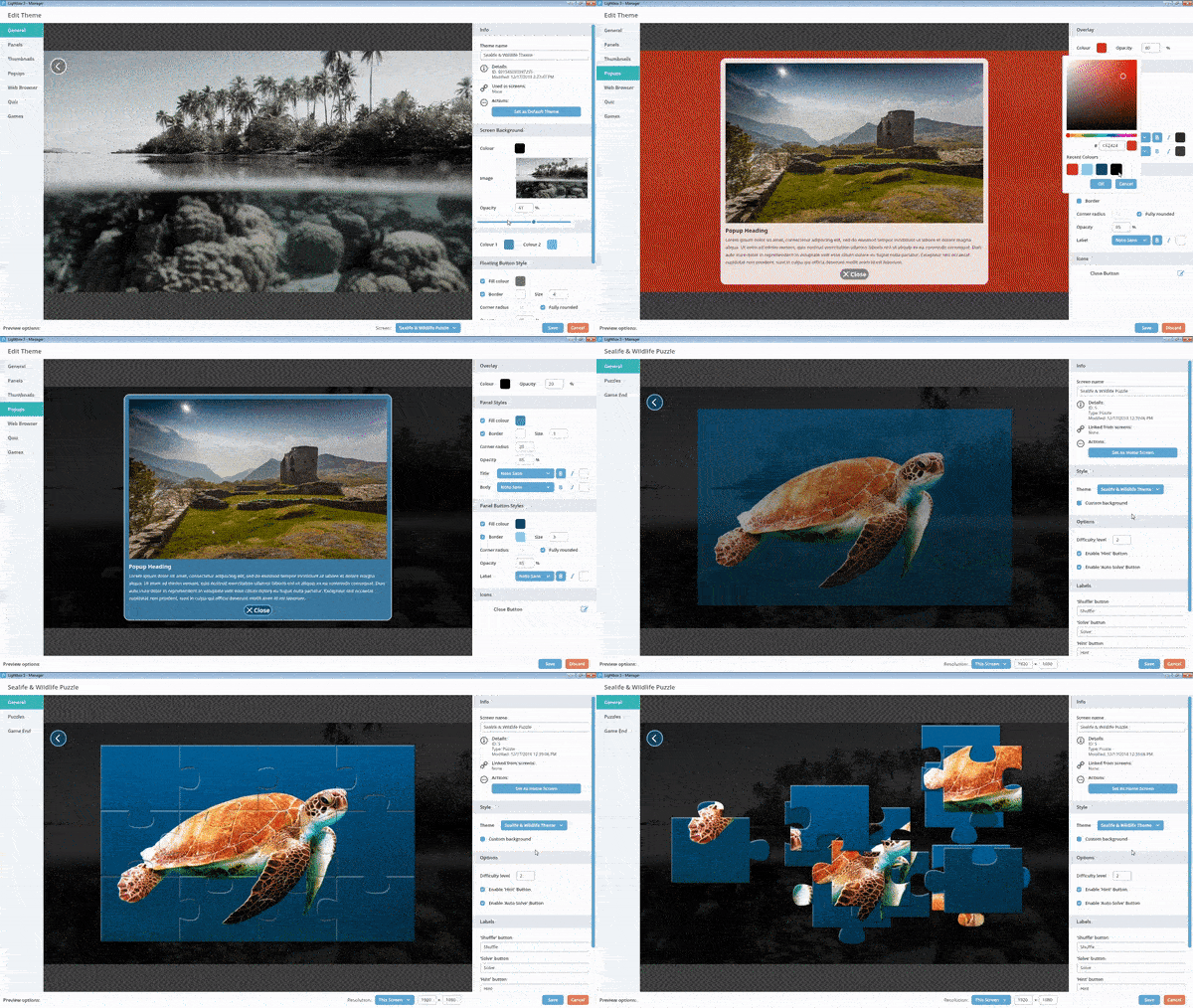
Match your branding by creating themes. The Lightbox 3 themes tab opens up a wide variety of settings that allow you to adjust the appearance of your interactive. You can even create multiple themes for multiple different screens.
We have an in-depth tutorial for Match along with tutorials for every application available in the Lightbox 3 package here.
We even have a service where we take your content then populate and brand your interactive for you. You can then use this as a starting point to add more content in future.