
Introducing our MediaScreens
When you want to have a single screen that can play content all day, without any additional clutter, there’s only one clear solution; MediaScreens – Our range of commercial screens with in-built players.
In Audio-Visual Interpretation there is no one perfect solution for a client, you have to account for multiple use cases and multiple budgets. Blackbox-av’s MediaScreens are one such product.
This range of screens come fitted with in-built media players, offering continuous content playback on a large screen in a public-facing setting, without the hassle of a separate video player, nor the enlarged budget or unwanted function of a touchscreen.
In today’s post we’ll will run over the features of the MediaScreens and how this could be the right product for your commercial needs.
1) Multiple Sizes, HD or 4K
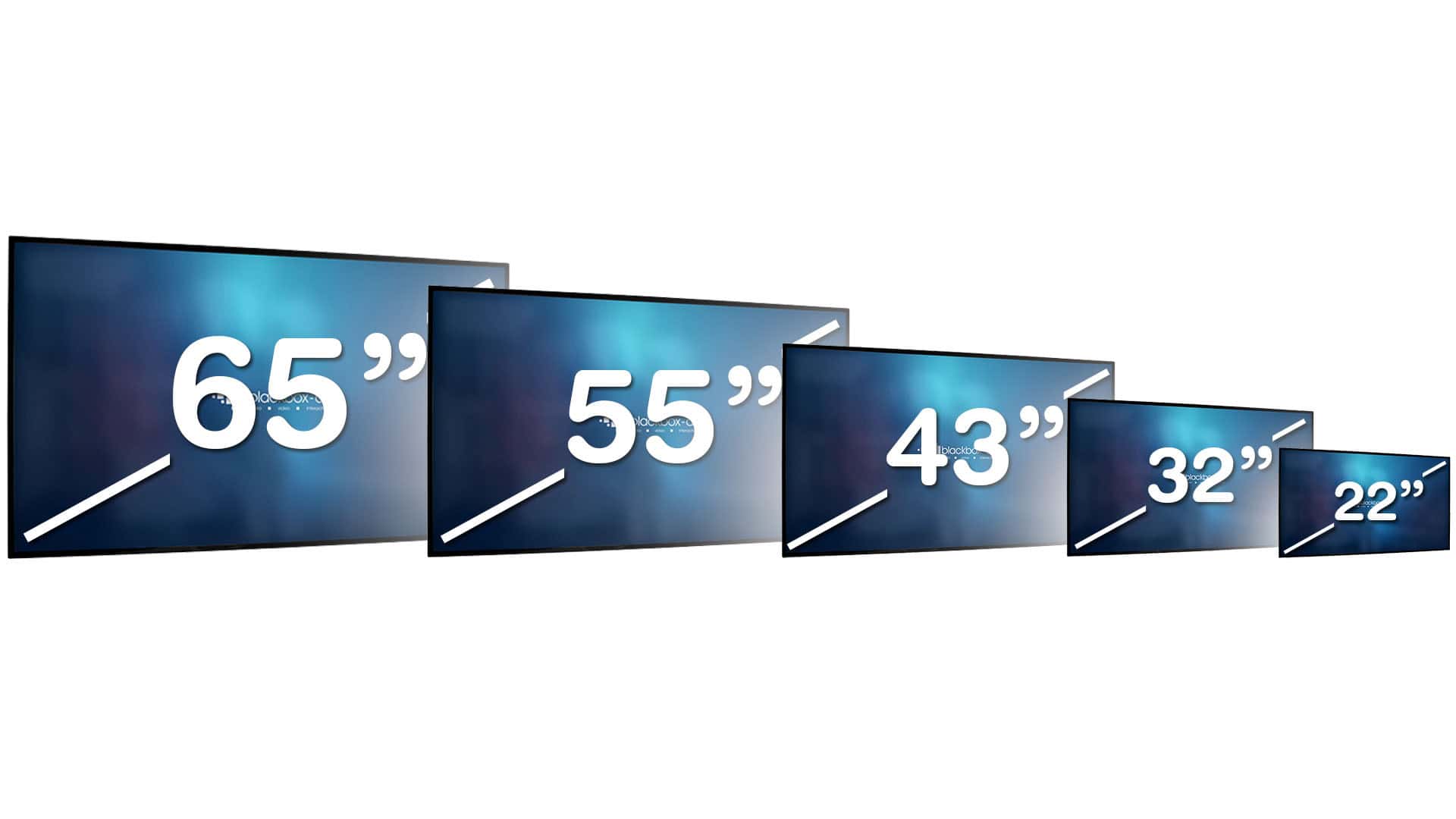
The Mediascreens come in a range of sizes from 22″ to 65″, so you can find the right one for your budget and needs.
At 22″ and 32″, we provide the MediaScreen HD. This is perfect for small spaces and is a great way to keep your budget small if your content is only 1080p or under.
If you have a larger space, you will need a larger screen, and with it, a higher resolution that does its size justice. The MediaScreen 4K features a more capable video player with support for is available in 43″, 55″ and 65″
2) Loops content on power up
When powered on, the MediaScreen will play your desired content on a continuous loop throughout the day.
The Mediascreens utilise our bespoke Lightbox Nano software for this process, starting up automatically on launch and playing your desired content.
Lightbox Nano is also what allows you to quickly update the content of your screen via USB. Simply insert the USB and wait until it’s done.

3) HDMI Input, Audio Output
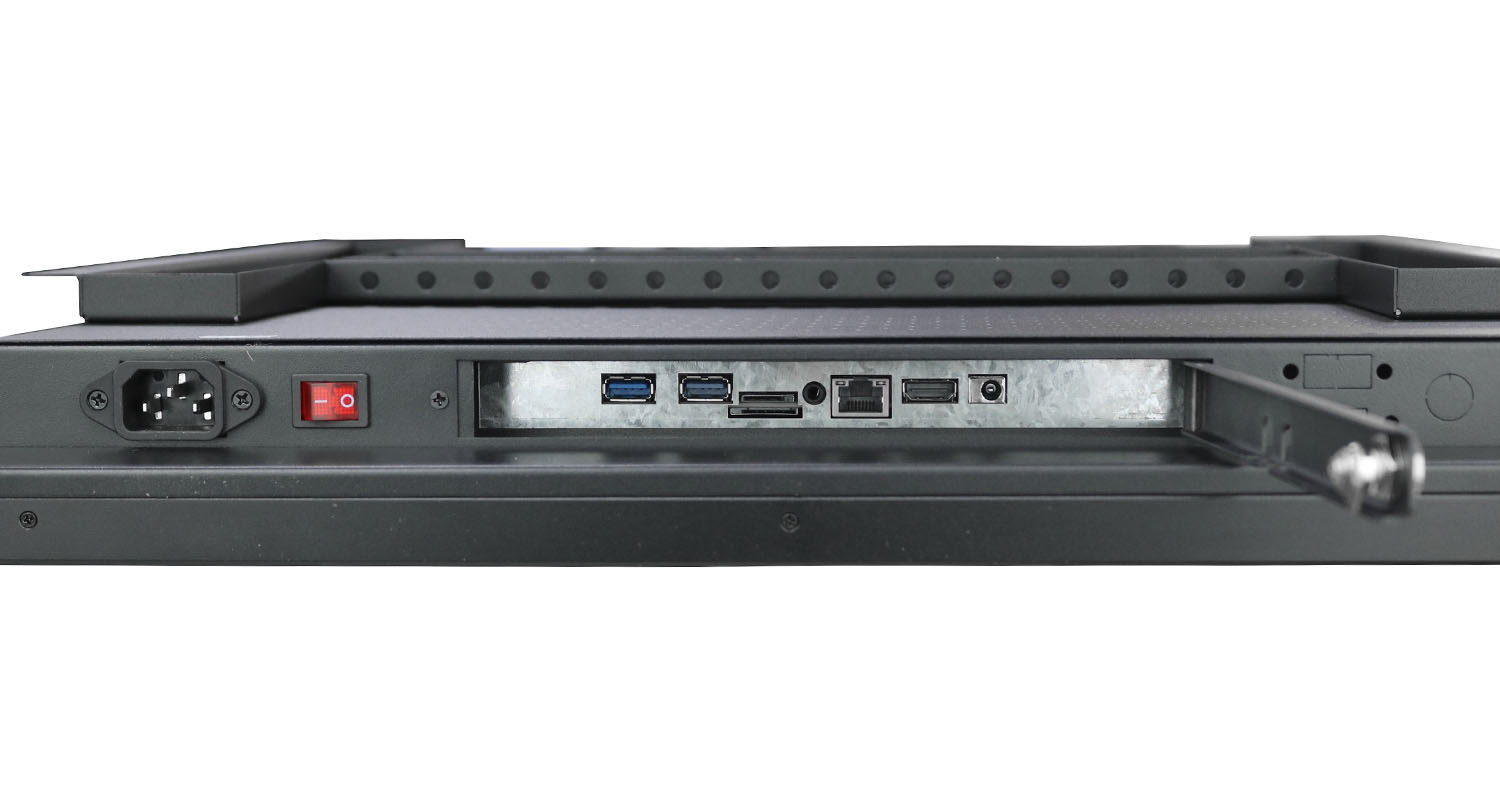
As standard, the MediaScreen will output to speakers and the 3.5mm simultaneously. This means when headphones are plugged in the speakers will remain on. A 3.5mm-only option is also available.
The Mediascreen also allows for HDMI input, allowing for future possibilities and flexibility into the future. With an external media player of your choice, such as our VideoClip 4K, you can repurpose this screen to provide further functionality and opportunities, such as creating a button activated installation.
Take a look!
If you are interested in learning more about the Mediascreens, you can check out our portfolio to see some great examples of how our clients have utilised them.
And if you’re interested in purchasing our Mediascreens, just hit the link below.
Sign up…
Thank you for reading! We hope you found this post enlightening.
If you have any further questions about our Mediascreens, AV Interpretation tips and more, please get in touch using the form below.
Or leave a comment at the bottom of the page…